
1,2,LineDraft!
I’m writing an Android app using OpenCV for visible light positioning, and during contour recognition, I accidentally tested with a picture of anime on my phone, and found that the lines were very obvious, like the following picture:
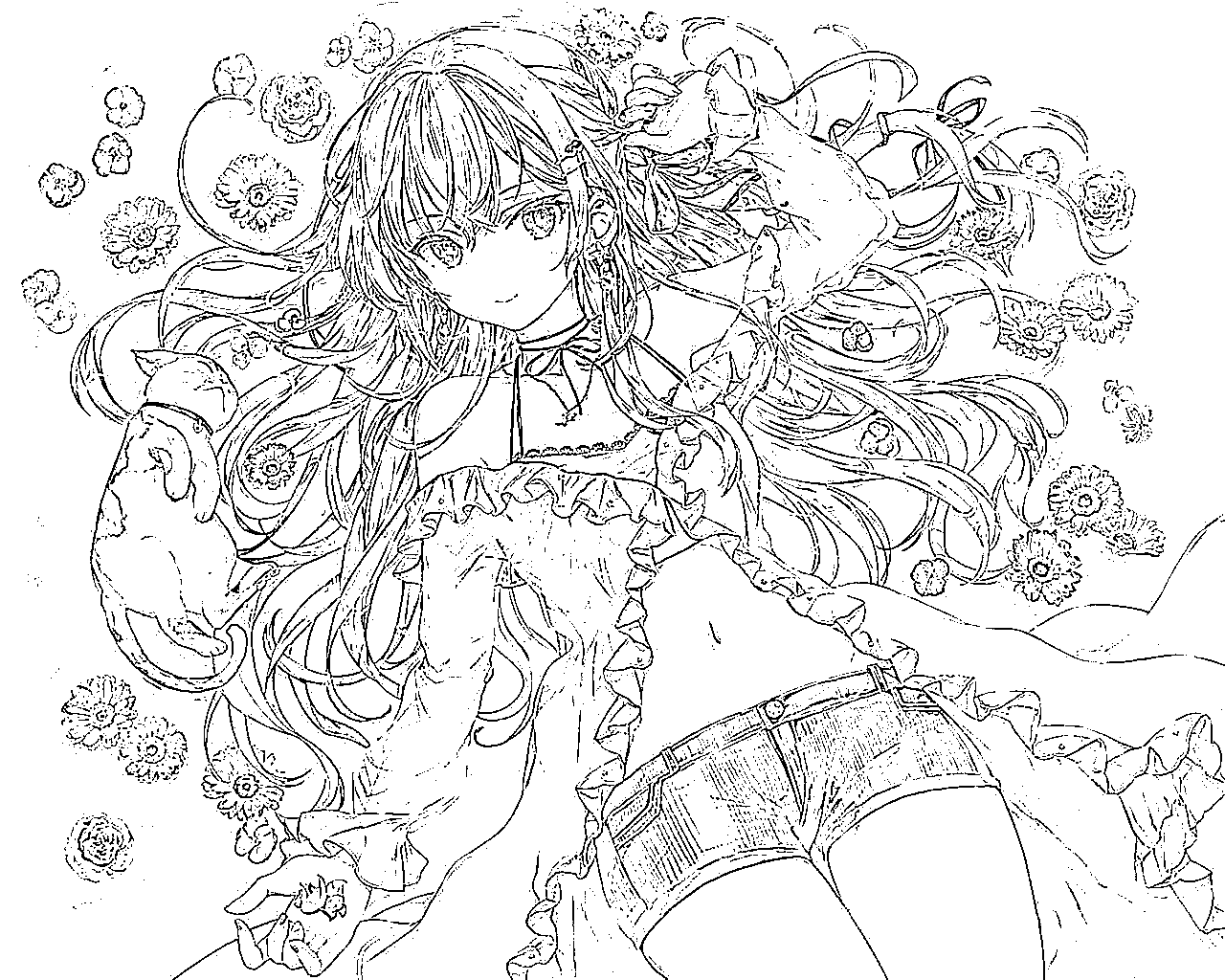
This is line drawing, maybe you can write an app that converts images to line drawings with one click, just in case you need it in the future. And at least it’s convenient and useful for drawing enthusiasts.
So I copied the project I used for visible light positioning, changed the package name, the logo and background image, then reset the UI, added the function of long-pressing to save the image, and finally tested and debugged various issues, and successfully made a stable version in two days. Then I put the release version and project on my Github repository.
Key code:
The code of this APP is very small, and the key functions include saving images, refreshing the media library, generating directories and random file names.
Save image:
//Long press to save image
    public static void saveBitmap(ImageView view, String filePath) {
        Drawable drawable = view.getDrawable();
        if (drawable == null) {
            return;
        }
        FileOutputStream outStream = null;
        File file = new File(filePath);
        if (file.isDirectory()) {//If it's a directory, saving is not allowed
            return;
        }
        try {
            outStream = new FileOutputStream(file);
            Bitmap bitmap = ((BitmapDrawable) drawable).getBitmap();
            bitmap.compress(Bitmap.CompressFormat.PNG, 100, outStream);
            outStream.flush();
        } catch (IOException e) {
            e.printStackTrace();
        } finally {
            try {
                if (outStream != null) {
                    outStream.close();
                }

            } catch (IOException e) {
                e.printStackTrace();
            }
        }
    }
Refresh media library:
//Refresh media library
    private void updateGallery(String filename)//filename is our file full name, including the suffix
    {
        MediaScannerConnection.scanFile(this,
                new String[] { filename }, null,
                new MediaScannerConnection.OnScanCompletedListener() {
                    public void onScanCompleted(String path, Uri uri) {
                        Log.i("ExternalStorage", "Scanned " + path + ":");
                        Log.i("ExternalStorage", "-> uri=" + uri);
                    }
                });
    }
Generate directory and random file name:
//Random file name
    private String generateFileName() {
        String fileList = getExternalStorageDirectory().getAbsolutePath() + File.separator + "LineDraft" + File.separator;
        File mkdir = new File(fileList);
        if(!mkdir.exists()) mkdir.mkdir();
        @SuppressLint("SimpleDateFormat") DateFormat format = new SimpleDateFormat("yyyyMMddHHmmss");// get current time
        String formatDate = format.format(new Date());// convert to string
        int random = new Random().nextInt(10000);// generate file number
        return (fileList + formatDate + random + ".png");
    }
Preview
Welcome interface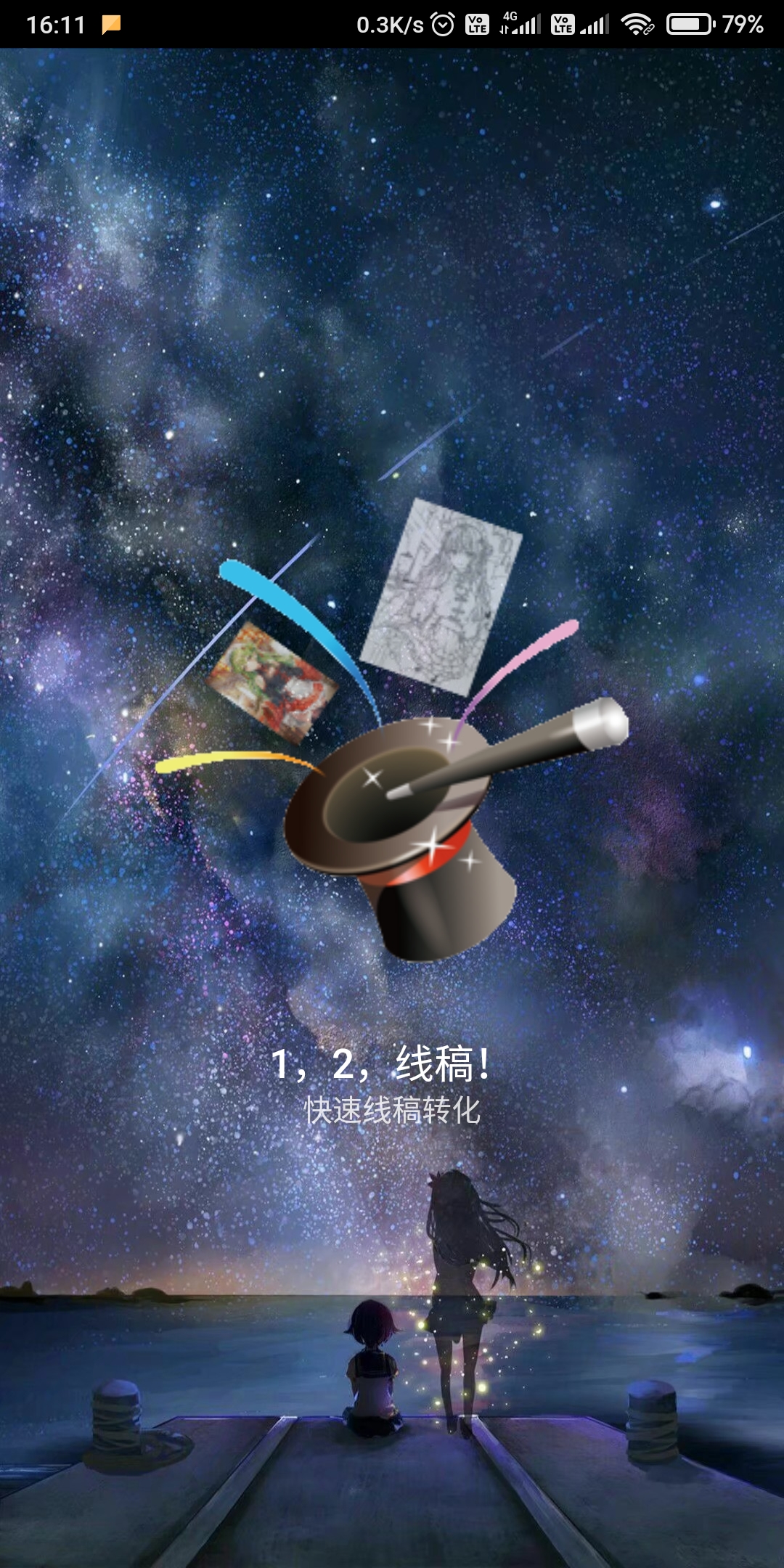 |
Main interface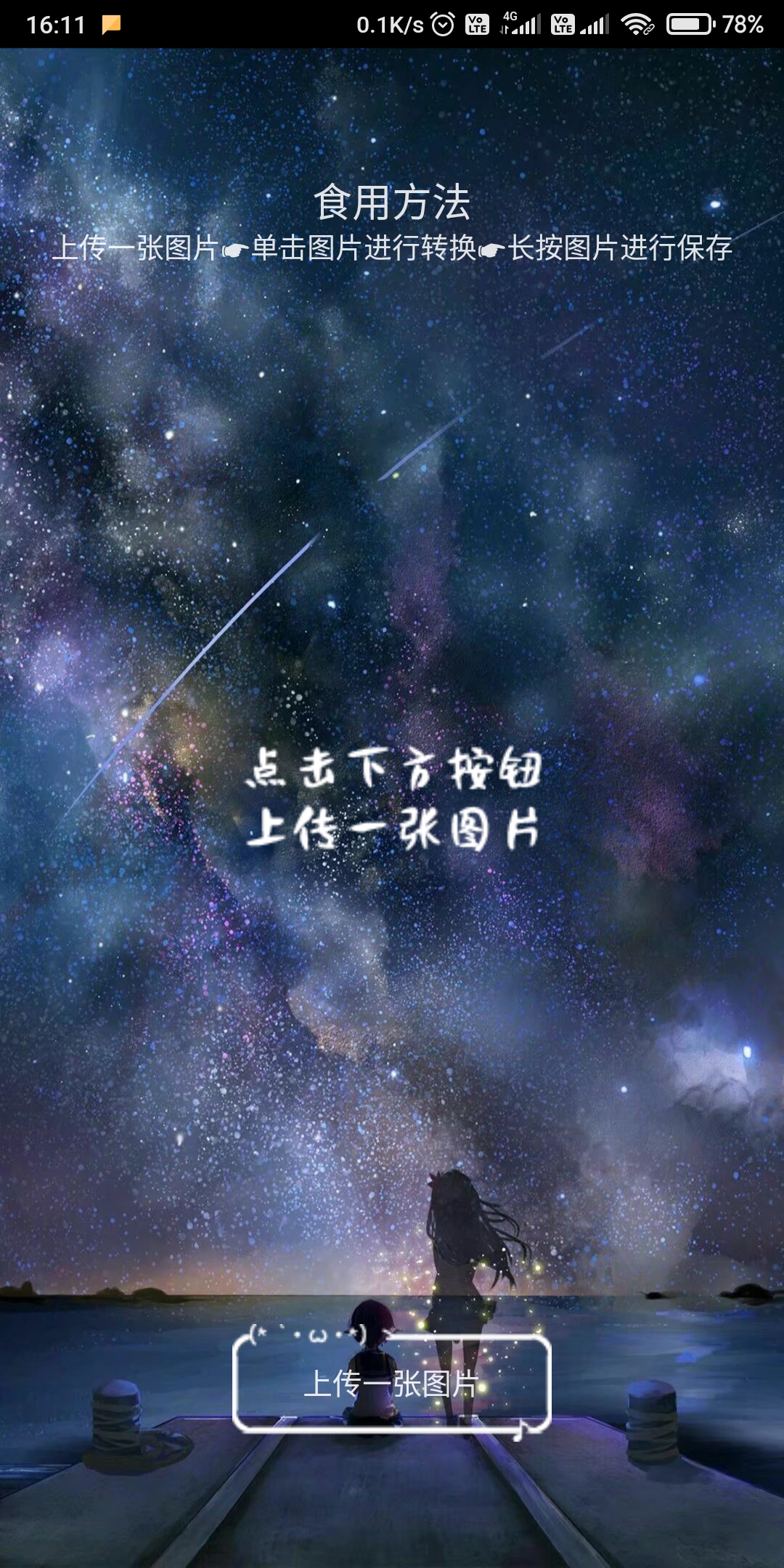 |
Convert and save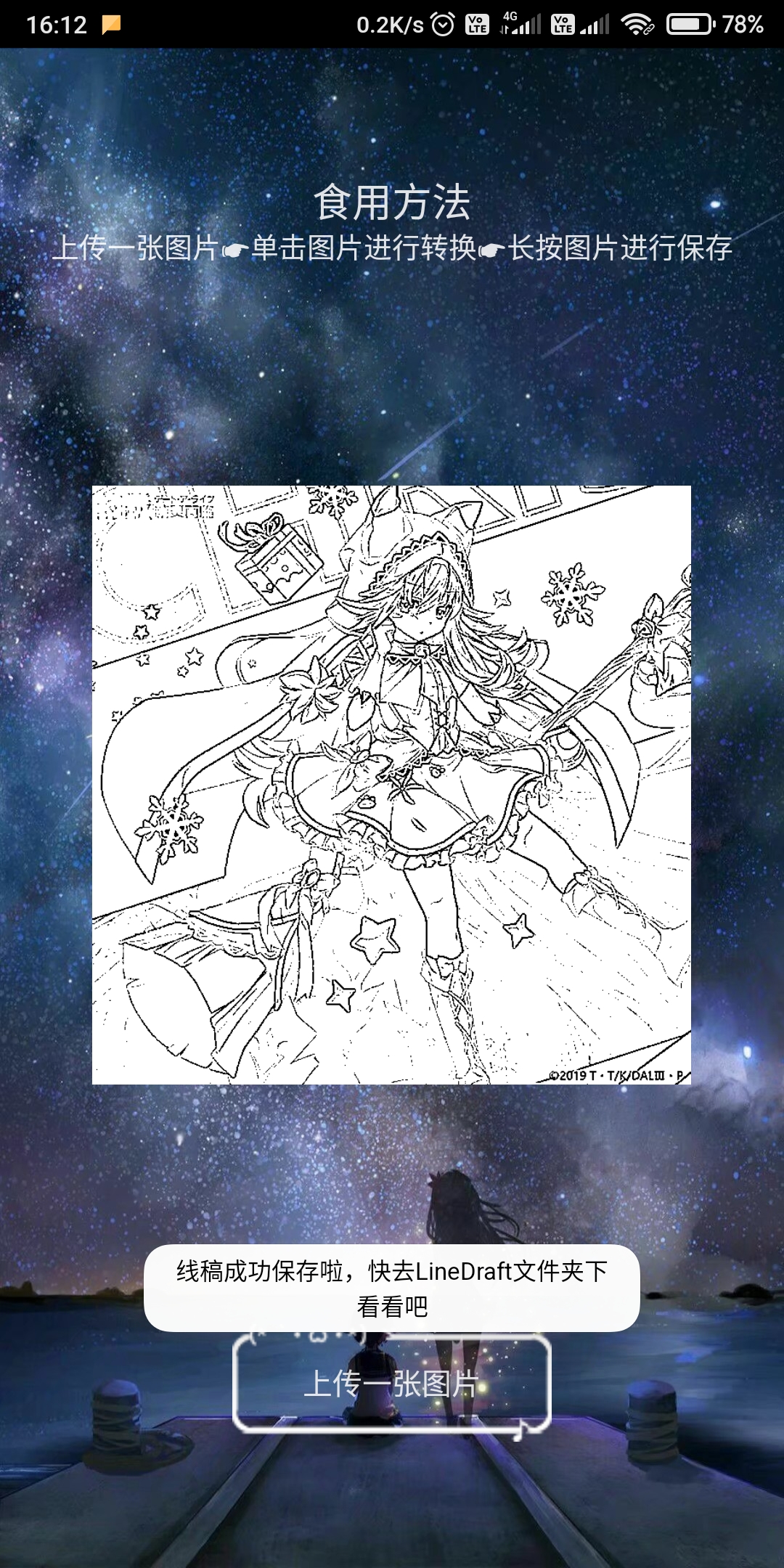 |
Since only the ARM architecture OpenCV library was used, it was tested on the Redmi Note 1 and Xiaomi 6X, and it was found to be smooth running, so it is currently believed to support almost all existing Android smartphones, but the compatibility with Android tablets is unknown.
Unless otherwise stated, all articles on this blog are licensed underCC BY-NC-SA 4.0license. The author reserves all rights. Please credit the source if you wish to reprint.